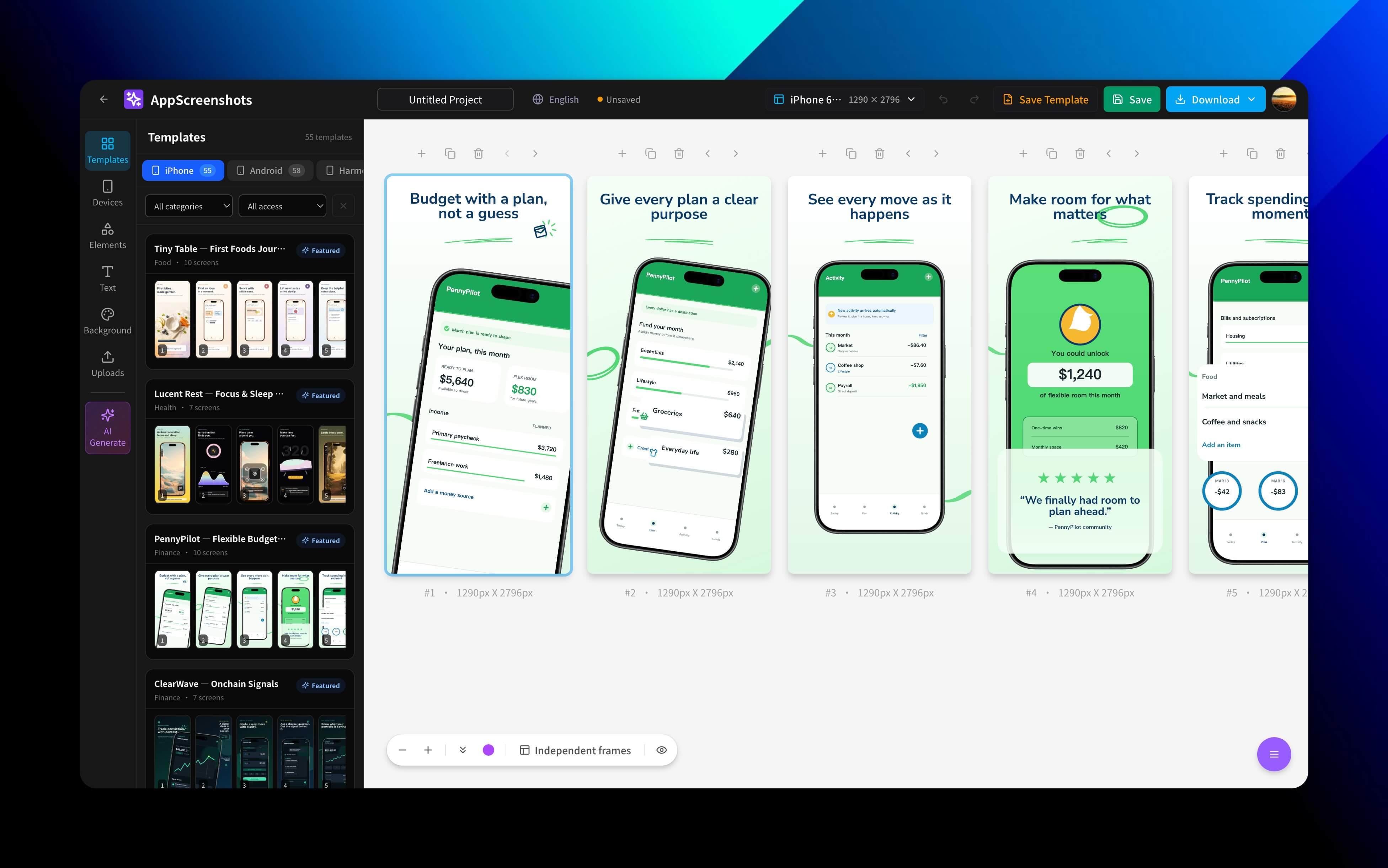
AppScreenshots
I got tired of redoing store screenshots for every release, so I built a workbench covering design, translation, and batch export.
View caseOver the past year I built thirteen products across the web, browser extensions, and macOS. Some shipped, some are still changing. Drag and scroll to see how they were made.
I got tired of redoing store screenshots for every release, so I built a workbench covering design, translation, and batch export.
View case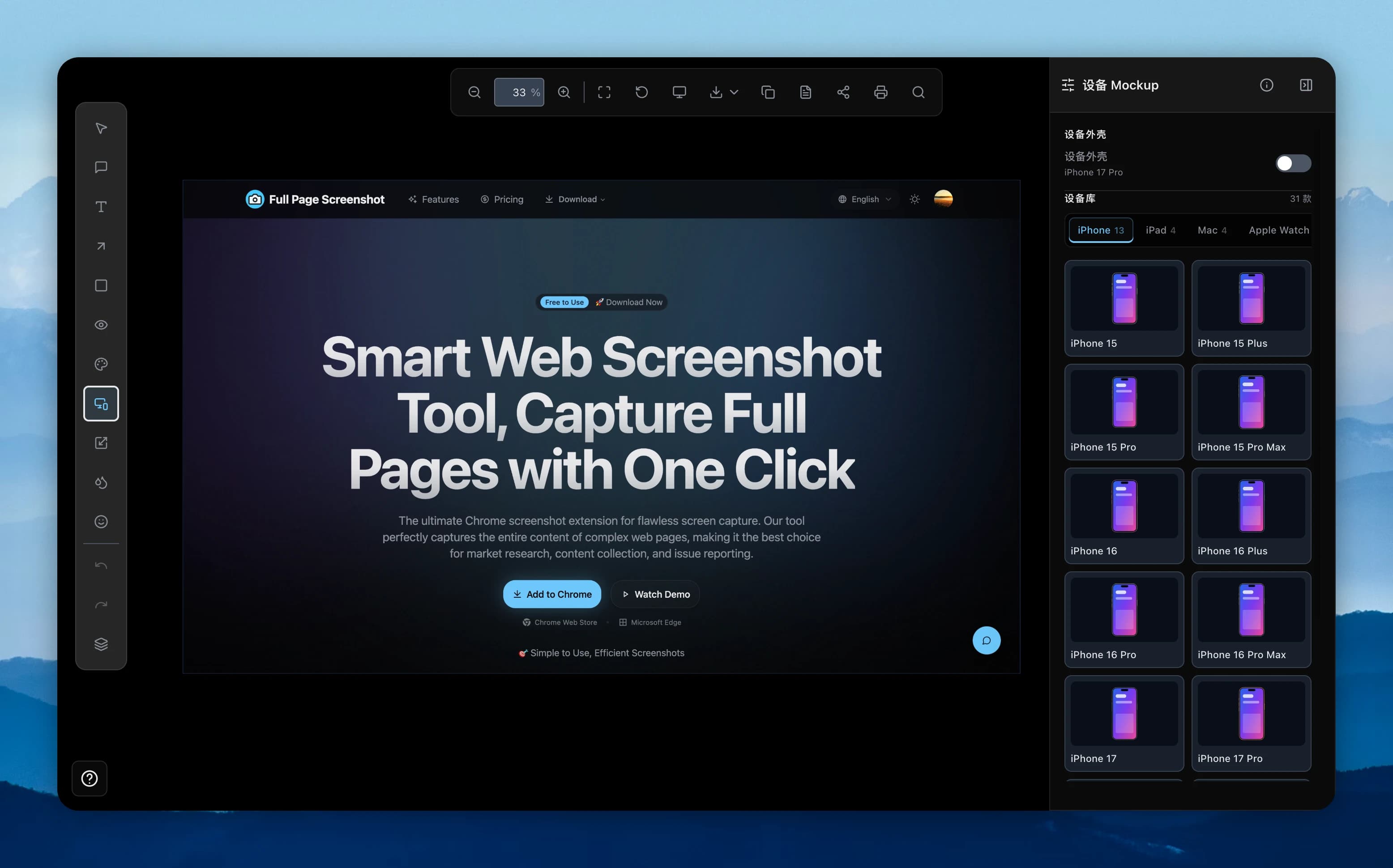
From full-page capture to annotation, privacy handling, and high-resolution export — finished in one workflow.
View case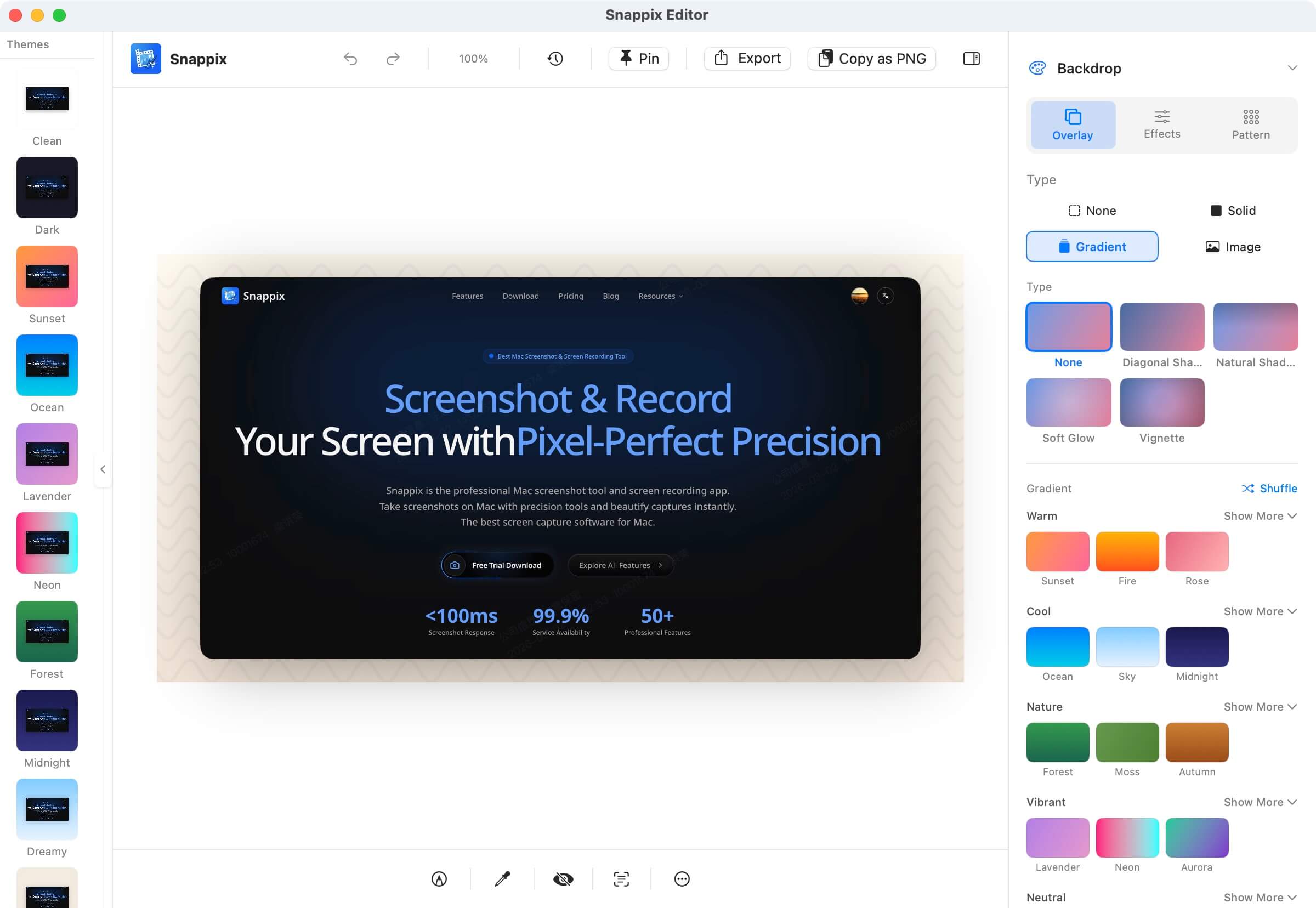
A native Mac screenshot tool — capture, annotate, and polish without hopping between apps.
View case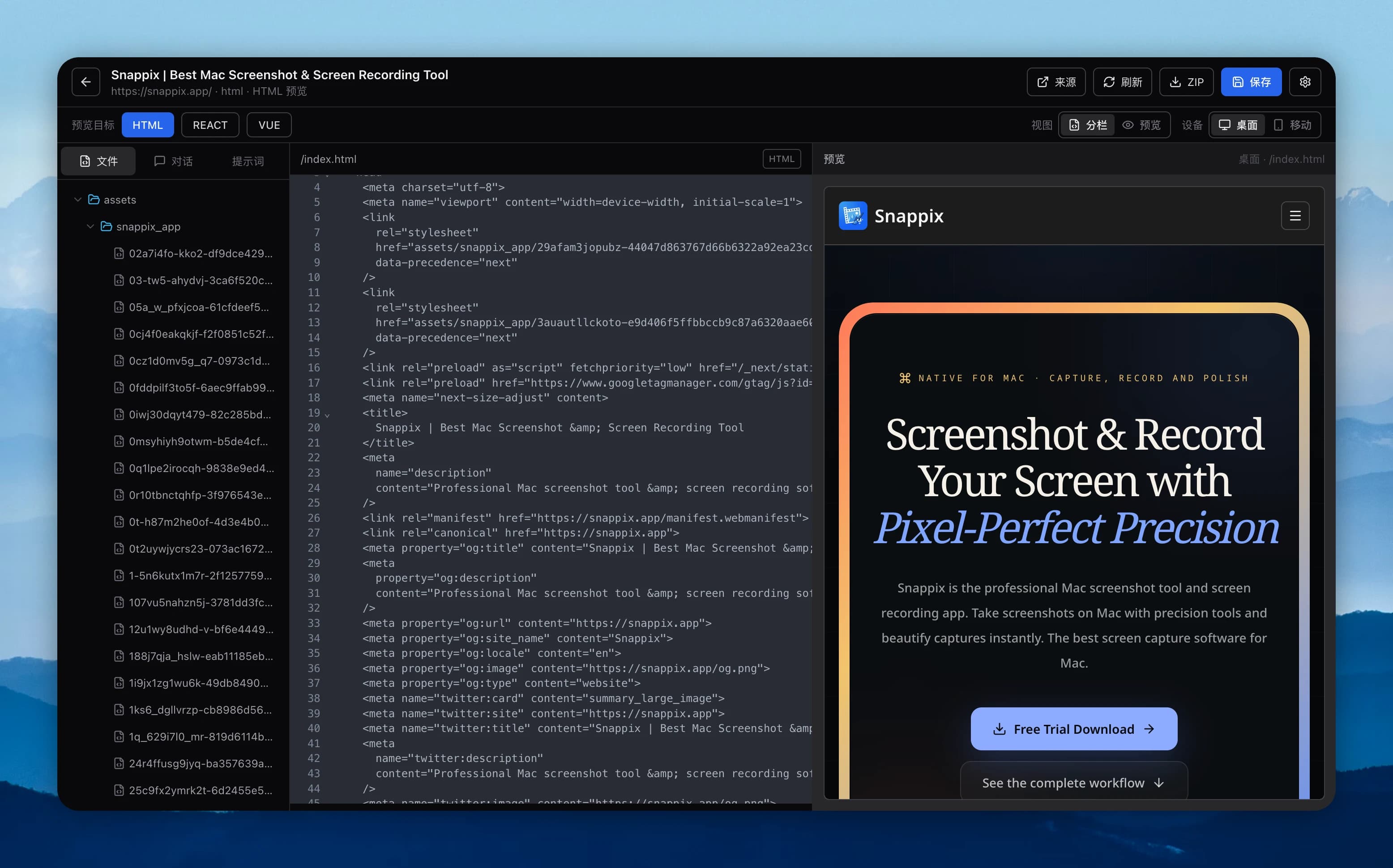
Bring the pages you like back to local, keep assets and styles, keep editing, and export into Figma.
View caseIn AppScreenshots, AI output stays in a draft layer. Review every language version first, then decide whether to overwrite existing content.
From AppScreenshotsPast 16,383px the file still exports — just quietly shorter. In the end, extra-long captures had to be split into segments.
From Full Page ScreenshotThe time-consuming part of CloneWebsite isn't downloading HTML — it's carrying styles, assets, and layout relationships back into Figma.
From CloneWebsiteMaintained by Horace · Updated
Horace builds tools for people who create, capture, organize, and ship digital content. This portfolio documents thirteen products that are live or still evolving across the web, browser extensions, and native macOS software. Alongside AppScreenshots, Full Page Screenshot, Snappix, CloneWebsite, Uniclip, AppIconGenerator, and GenX, it now includes TroveKey, Visor, Asset Quick Picker, and Shopify Liquid DevTools, plus AiAgeFilter for portrait effects and FreeVideoGenerator for AI video creation. Each case explains the problem, the product decisions, the verified outcomes, and what still needs work.
See all thirteen projectsEvery project starts from a recurring workflow problem, not from a technology label. Horace's work covers product definition, information architecture, interface design, visual direction, interaction, and implementation. AI is only used where it removes repetitive work; if a publish action could overwrite existing content, generated results must be previewable and reversible. The work pages explain these trade-offs with first-hand development records instead of unverified growth numbers. They are useful references for indie developers and small teams evaluating practical product design, browser-extension architecture, native macOS interaction, localization, and release workflows.
Read my working principlesReliability means treating permissions, state ownership, extra-long image limits, export, failure recovery, and reduced-motion preferences as product decisions. Browser extensions persist critical state instead of assuming background processes survive. Destructive publish actions always keep a preview or confirmation step. Motion explains hierarchy and spatial change; even with animation or JavaScript off, the core content stays readable. These principles come from building the products by hand and are checked against platform guidelines — they are not decorative slogans.
References: W3C WCAG recommends respecting users' motion preferences and removing unnecessary animation; Apple HIG recommends purposeful motion that serves the experience rather than stealing the show; Chrome for Developers covers the extension service worker lifecycle.
I don't want it to be a tech-stack inventory, and I won't pretend every project finished perfectly. What worked stays, and the parts I'm still unhappy about get written down too.
More about me